Please Enable OTG
1、On some Android phones, OTG must be enabled manually. Go to Settings and search for “OTG”, “USB OTG”, or “OTG Connection”, then turn it on.
On some phones, OTG may turn off automatically after a few minutes of inactivity.
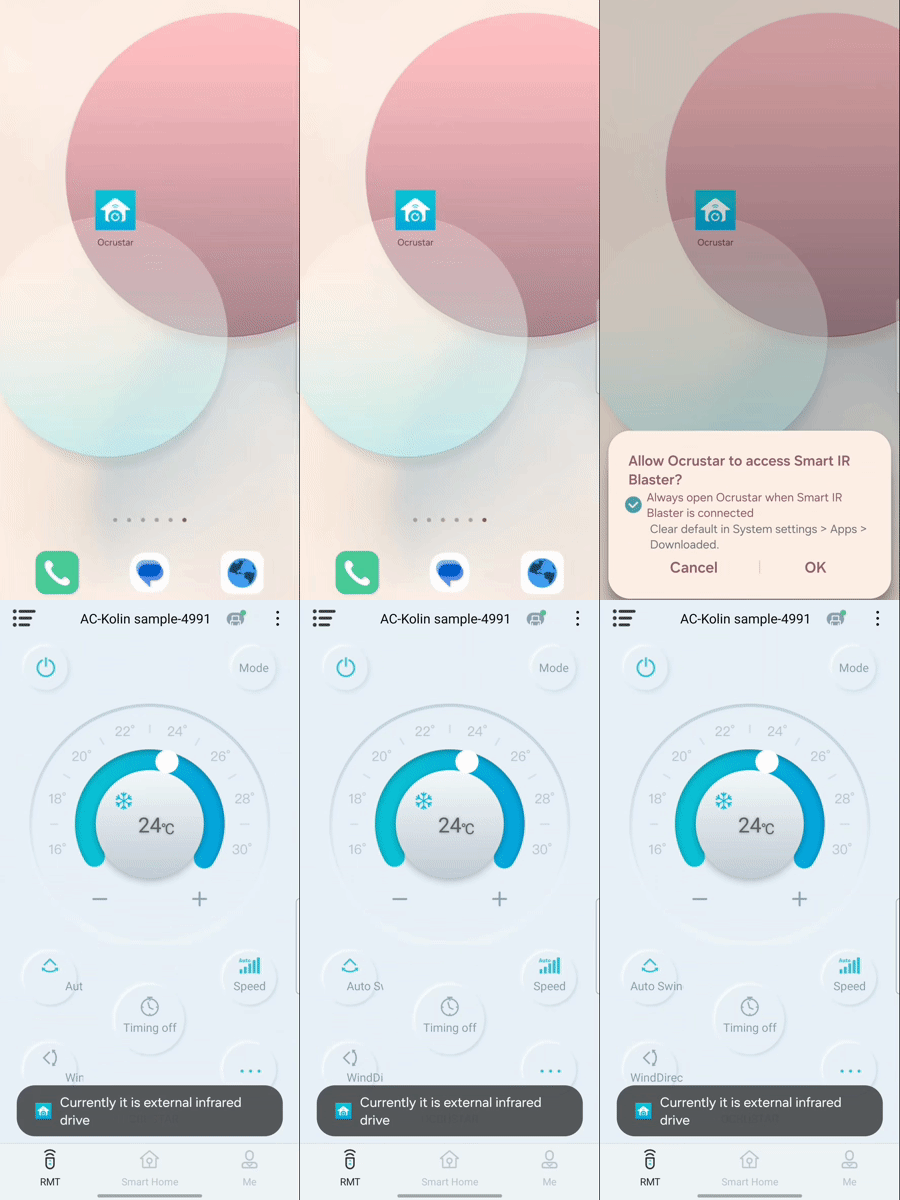
2. On some phones, OTG is enabled automatically. When you plug in the accessory for the first time, a permission popup may appear asking you to allow the external device.
您要复制的内容